Best Lead Generation Software for Local Prospecting in 2026
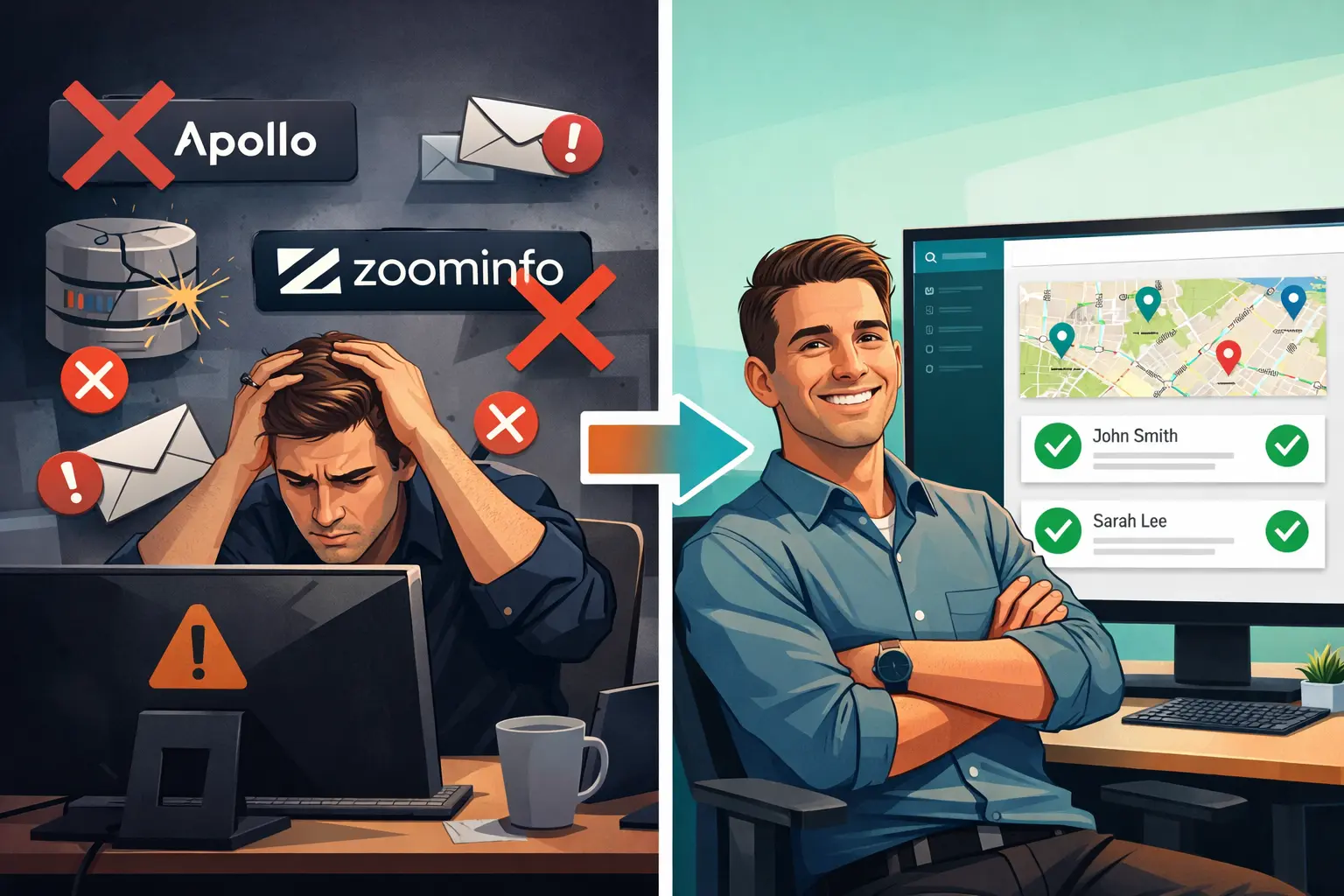
Most lead generation software was built for enterprise sales teams. Salesforce, HubSpot, Marketo, Apollo. These are tools designed for chasing Fortune 500 companies or software buyers with a $100k budget.
If your customers are local businesses (plumbers, contractors, dentists, web design clients, restaurants, law firms), you're using the wrong tools. The leads you need aren't in a corporate database. They're on Google Maps.
This guide covers the best lead generation software for local prospecting in 2026. We'll explain what the tools actually do, where each one fits, and how to generate leads that are worth reaching out to. No fluff, no enterprise-only recommendations.
If you want a quick comparison instead of a full guide, see the lead generation software overview page.
The long-form playbook lives in local lead generation: complete guide. For tool categories at small-business scale, see B2B lead generation tools for local prospecting.
What Is Lead Generation Software?
Lead generation software helps you find and collect contact information for potential customers. The end goal is a list of people or businesses you can reach out to with a sales pitch or service offer.
There are two main categories.
Inbound lead generation software focuses on capturing people who already come to you. Landing page builders, pop-up forms, live chat tools, lead capture plugins. These only work if you already have traffic.
Outbound lead generation software helps you find new prospects proactively. You define who you're looking for, the tool finds matching businesses or contacts, and you reach out cold. This is the category most relevant to local prospecting.
For anyone selling services to local businesses, outbound is the approach. You can't wait for a plumber to find your website and fill out a form. You find the plumber, get the owner's email, and send a pitch. That requires outbound lead gen tools designed for this exact use case, not tools built to scrape LinkedIn for SaaS buyers.
Types of Lead Generation Software
Not all lead gen tools work the same way. Here's how the main categories break down and where each one falls short for local prospecting.
Enterprise B2B Databases (Apollo, ZoomInfo)
These tools maintain massive databases of business contacts scraped from LinkedIn, company websites, and professional directories. Apollo starts at $59/month. ZoomInfo costs $10,000 or more per year.
They're genuinely useful for enterprise sales teams reaching out to software engineers, VPs of marketing, or procurement managers at mid-market companies. The data is solid for corporate contacts at tech companies and established enterprises.
The problem: local businesses aren't in these databases. A plumbing company in Austin with three employees, a barbershop in Detroit, or a landscaping crew in Phoenix won't show up in Apollo or ZoomInfo. These tools index the corporate world, not the Main Street economy.
Email Finders (Hunter.io)
Hunter.io finds email addresses associated with a specific domain. You give it a company name or website URL, it returns likely email formats and whatever verified addresses it has on file.
It's a useful supplement for email research but not a discovery tool. You have to already know what businesses you want to target. Hunter can't help you find the businesses in the first place. It also has no concept of local geography. You can't search "plumbers in Denver" and get results.
Google Maps Scrapers (Outscraper)
Outscraper and similar tools extract business listings from Google Maps. You define a business type and location, they return raw data: business name, address, phone, website, reviews.
The data is fresh because it comes from Google directly. But the output is raw. No decision maker names, no owner emails, no professional contact enrichment. You get a spreadsheet of businesses and it's up to you to figure out who to contact at each one.
Outscraper is API-first, which means it's built for developers. Useful for teams building their own data pipelines. Not built for someone who just wants to find 200 web design prospects in Chicago and start emailing them today.
Local Lead Generation Software (WebLeads)
This is the category built specifically for what most people in this space actually need: find local businesses, get the owner or decision maker's contact info, verify the emails, and start outreach.
WebLeads pulls live data from Google Maps, enriches it with decision maker names, roles, and professional emails, and verifies those emails via SMTP before you download anything. The map radius search feature lets you draw your search area directly on a map rather than specifying a city name. Useful for targeting specific neighborhoods, suburbs, or cross-city coverage zones.
This is the category to focus on if your prospect is a local business.
Ready to find local business leads?
Search any business type and location. Get fresh data, decision maker names, and verified emails.
Try WebLeads freeTrial · No sales call · Cancel anytime
Best Lead Generation Software for Local Prospecting in 2026
Here's how the main tools compare on the factors that matter for local prospecting.
| Tool | Best For | Starting Price | Decision Makers | Email Verification | Data Source |
|---|---|---|---|---|---|
| WebLeads | Agencies and freelancers doing local cold outreach | $24/mo | Yes, name, role, verified email | Built-in SMTP | Google Maps (live) |
| Apollo.io | Enterprise B2B, corporate contacts | $59/mo | Yes (corporate) | Built-in | Proprietary database |
| Outscraper | Developers, API-first data pipelines | $2.85/1k leads | No | Paid add-on | Google Maps (live) |
| LeadSwift | Agencies wanting email automation | $24.99/mo | Names only, no roles | Third-party required | Maps, Yelp, others |
| D7 Lead Finder | Basic local prospecting | $44.99/mo | No | No | Directory scraping |
| Hunter.io | Email research for known companies | $34/mo | No (email only) | Built-in | Domain-based |
WebLeads
WebLeads is built for one thing: finding local businesses and getting you in contact with the actual decision maker at each one.
You search by business type and location. WebLeads pulls live data from Google Maps and returns business name, address, phone, website, reviews, and social profiles. From there, you can run a people enrichment on any result and get the owner or manager's name, role, and professional email. Built-in SMTP verification confirms whether each email is deliverable before you export.
The map radius search is the standout feature. Instead of typing "Chicago" or "Chicago, IL" into a search box, you draw a shape on a map. You can target the north side of a city, a specific suburb, or a 20-mile radius around a convention center. No competitor offers this.
Pricing:
| Plan | Price/mo | Searches/day | Results/search | Enrichments/mo | Verifications/mo |
|---|---|---|---|---|---|
| Discover (free) | $0 | Lifetime: 2 total | 10 | 10 | N/A |
| Starter | $24 | 1 | 800 | 500 | 3,000 |
| Growth | $69 | 3 | 1,500 | 2,500 | 10,000 |
| Scale | $199 | 7 | 2,500 | 7,000 | 30,000 |
The 5-day trial gives you full access to a plan's real results, so you can test whether the data quality is what you need before paying anything.
Apollo.io
Apollo is one of the best enterprise B2B prospecting tools available. It has a massive database of corporate contacts, strong LinkedIn integration, and solid email sequencing features. For teams selling software, services, or consulting to companies with 50-plus employees, it's worth the price.
For local business prospecting, it's the wrong tool. The database does not cover local small businesses. You will not find the owner of an HVAC company in Nashville or a bakery in Portland. Starting price is $59/month, and the features you're paying for aren't relevant to the local market.
Outscraper
Outscraper gives developers direct API access to Google Maps data. You request a business type and location, get back a structured data response with business details, and can add enrichments (emails, phone, company info) as separate paid add-ons.
It's priced per unit at $2.85 per 1,000 businesses scraped, plus additional charges for email enrichment and verification. The cost adds up when you stack enrichments, but for high-volume technical use cases, it's flexible. There is no decision maker data. The tool returns whatever is publicly listed on Google Maps, which is typically a business phone and a generic email address if one is listed at all.
LeadSwift
LeadSwift pulls data from multiple sources including Google Maps, Yelp, and others. It includes basic employee data extracted from LinkedIn, first and last name, but no job roles or titles. Email verification requires connecting a third-party service like ZeroBounce or NeverBounce. Built-in email sequencing is a genuine differentiator if you want outreach automation in the same platform.
Starts at $24.99/month with a daily search limit.
D7 Lead Finder
D7 scrapes business directories and returns basic contact info. No decision maker data, no built-in verification. The data can be stale depending on when the source was last indexed. Starting price is $44.99/month. It works for basic list building but requires more manual work to turn raw data into actionable contacts.
Hunter.io
Hunter finds email addresses tied to a specific domain. It's the right tool when you already have a list of companies and need to find the email format or verify a specific address. It's not a discovery tool. It can't find businesses for you. Useful as a supplement to a prospecting workflow, not as the primary tool.
What to Look for in Lead Generation Software
Choosing the right lead gen software comes down to five things. If a tool doesn't deliver on these, it adds work instead of removing it.
Data freshness. Stale data is the biggest hidden cost in lead generation. Businesses close, emails change, and owners move on. Tools that pull from live sources like Google Maps will always outperform tools relying on static databases. If the data is more than a few weeks old, expect 20 to 30% of your emails to bounce or go to the wrong person.
Decision maker access. Getting a business's generic contact info is the easy part. Getting the owner or manager's name, title, and verified email is where most tools fall short. Without this, you're sending cold emails to "info@" addresses that go to no one. Look for tools that specifically enrich decision maker contacts, not just business listings.
Built-in email verification. Most lead gen tools make you export a list and run it through a separate verification service. That adds cost, time, and another login to manage. Tools with SMTP verification built in confirm deliverability before you download anything.
Search flexibility. Generic city-level searching is fine for starters, but you often need more precision. Can you target specific neighborhoods? A radius around a specific address? A defined geographic zone? The more control over the search area, the more relevant your results.
Pricing transparency. Some tools bill per credit, per contact, per enrichment, and per verification as separate charges. Others have simple monthly quotas. Know exactly what you'll spend before you sign up. Surprise bills at the end of the month are avoidable.
How to Generate Leads with Local Lead Generation Software
Here is a practical workflow for building a cold outreach list using local lead gen tools.
Step 1: Define your target. Be specific. "Plumbers in Texas" is too broad. "HVAC companies in Austin with fewer than 20 employees" is actionable. The tighter your target, the more relevant your outreach and the higher your reply rate.
Step 2: Run your search. In WebLeads, select your business type and draw your search area on the map. Aim for a geography you can realistically work, one city or one metro area at a time. You'll get results including business name, contact info, reviews, and website.
Step 3: Enrich decision makers. Select the businesses you want to contact and run people enrichments. WebLeads finds the owner or manager name, role, and professional email for each one. This turns a business listing into a person you can actually reach.
Step 4: Verify emails. Before exporting, run SMTP verification on your list. This filters out invalid, inactive, or catch-all email addresses. A verified list of 200 contacts is worth more than an unverified list of 1,000.
Step 5: Export and set up outreach. Export your verified list as a CSV. Import into your cold email tool of choice (Instantly, Smartlead, Lemlist, or whatever you use). Write one honest, specific email that explains what you do and why it's relevant to their business.
Step 6: Follow up. Most replies come from the second or third email. A two-step sequence covering a two-week period is enough for most local prospecting campaigns.
FAQ
What is lead generation software used for?
Lead generation software helps you find and collect contact information for potential customers. Outbound tools like WebLeads let you search for businesses by type and location, get their contact details, and build prospect lists for cold outreach. Inbound tools like lead capture forms collect information from visitors who already come to your website. For local business prospecting, outbound tools are the relevant category.
What's the best lead generation software for agencies?
For agencies doing cold outreach to local businesses, WebLeads is the most complete option. It finds local businesses, identifies the decision maker at each one, and verifies the email before you export. For agencies targeting corporate or enterprise clients, Apollo.io is the stronger fit. For agencies that want email automation built into the same platform, LeadSwift includes sequencing features alongside its prospecting data.
Is there free lead generation software?
Yes. WebLeads offers a 5-day trial with full plan access. That's enough to test the data quality and see what a real result looks like before committing. Hunter.io also has a free tier for email lookups. Outscraper gives you 500 free business records per month from Google Maps.
How is WebLeads different from Apollo or ZoomInfo?
Apollo and ZoomInfo are built for corporate B2B sales. Their databases cover enterprise companies, tech firms, and mid-market businesses. Local businesses (small contractors, retail shops, service providers, sole traders) are largely absent from those databases. WebLeads pulls live data from Google Maps, which is where local businesses actually exist. It also finds decision maker contacts with verified emails, which Apollo and ZoomInfo cannot do for local targets.
What lead generation software works for local businesses?
Tools built around Google Maps data are the right fit for local business prospecting. WebLeads, LeadSwift, and Outscraper all pull from Google Maps. WebLeads is the only one that combines live Maps data with decision maker enrichment and built-in email verification in a single workflow. D7 Lead Finder covers local businesses too but uses directory scraping that can produce stale results. Apollo and ZoomInfo are not suitable for local business prospecting.
Ready to find local business leads?
Search any business type and location. Get fresh data, decision maker names, and verified emails.
Try WebLeads freeTrial · No sales call · Cancel anytime
The Bottom Line
Most lead generation software was not built for local prospecting. Enterprise databases miss local businesses entirely. Simple scrapers give you raw data without the contact you actually need to reach. The tools that work for this use case are the ones built specifically around it.
If you're looking for a starting point, start a trial of WebLeads. Real data, no sales call, cancel anytime.