How to Find Businesses Without Websites (Google Maps Method)
How to Find Businesses Without Websites (Google Maps Method)
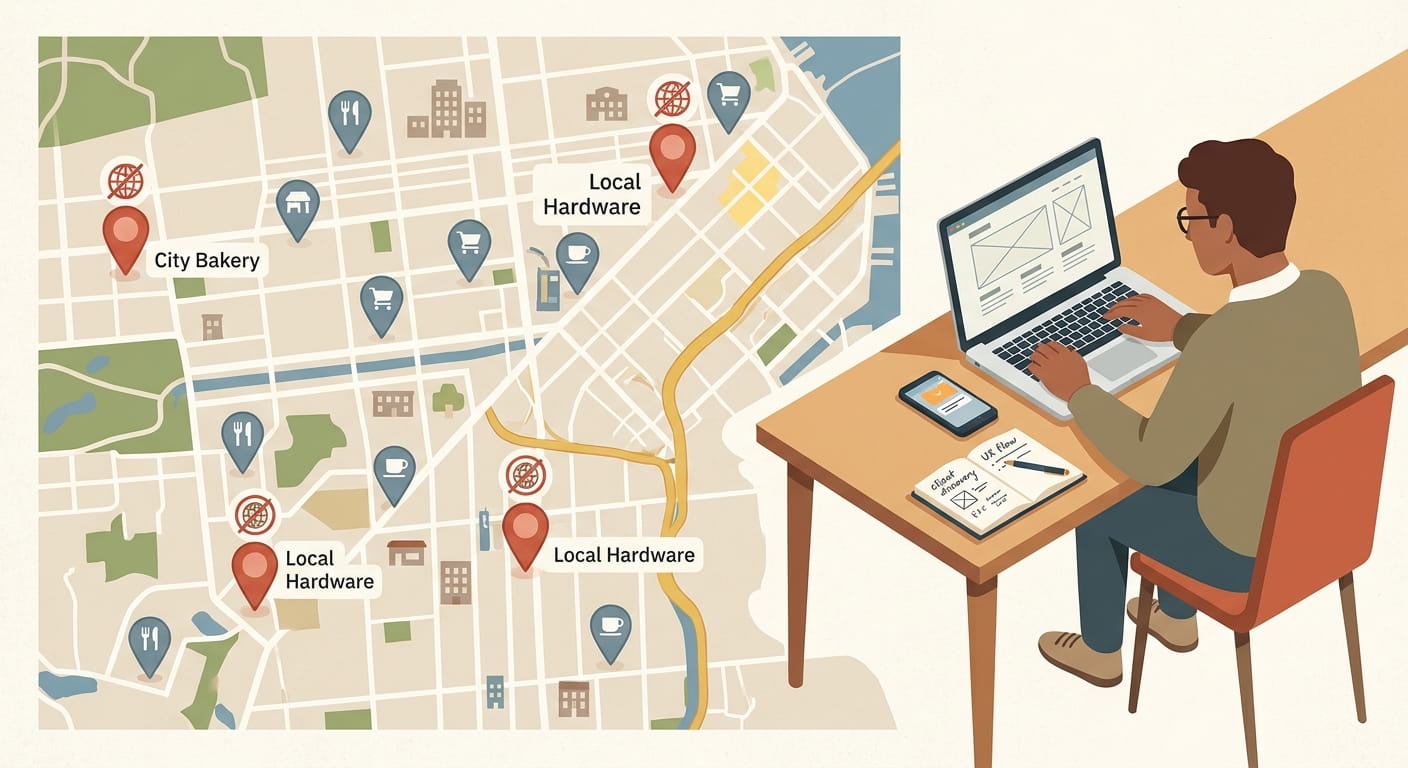
If you sell web design or local SEO, businesses without websites look like the easiest prospects there are. They clearly need what you sell. The problem is finding them. Google Maps doesn't have a "no website" button, so most people end up clicking through listings one at a time, checking for a website link, and copying names into a spreadsheet.
This guide is for web designers, SEO freelancers, and small agencies who want a repeatable way to do it. You'll get the full workflow: search a business type and city, filter to businesses with no website, qualify them so you don't waste calls, and reach them when there's no email. At the end there's a second pass for businesses that do have a site, just a weak one.
Quick version:
- Search one business type in one city on Google Maps (or a tool that pulls Maps data).
- Keep only listings with no website.
- Qualify: decent rating, a real number of reviews, still open, phone listed.
- Reach them by phone, social DM, or in person. Not email.
- Optional: run a second list of businesses with weak websites and check them by hand.
Why businesses without websites are good prospects
A plumber with no website still gets found on Google Maps. Their listing has reviews, photos, and a phone number. What they don't have is a page that explains their services, shows up for searches outside their pin, or gives a customer a reason to pick them over the next listing.
For you, that's a short conversation. You don't need to convince them their current site is bad. There isn't one. Your pitch is simple: "People find you on Maps, then there's nowhere to send them."
The catch is that many of these owners are busy, not online much, and sometimes skeptical of anyone selling marketing. That's why qualification and the outreach channel matter more here than in a normal cold email campaign.
The manual Google Maps method
You can do all of this for free. Here's how:
- Open Google Maps and search a specific phrase, like "landscaping Phoenix" or "barbershop Columbus".
- Click each result. In the listing panel, look for the website button next to Directions and Call.
- If there's no website, note the business name, phone, address, rating, and review count in a spreadsheet.
- Scroll and repeat.
It works. It's also slow. Every listing is a click, a scan, and a copy and paste. If a city has a couple of hundred results for your niche, you're looking at an afternoon per search, and most of the listings you open will have a website anyway.
If you want more detail on the manual side, our Google Maps scraper tutorial walks through the options, from copying by hand to using a tool.
Faster: filter by "No website" in WebLeads
This is the part we built WebLeads to speed up. You enter a business type and a location, and WebLeads collects fresh Google Maps data for that search. It isn't a stored database, so new businesses and recent changes show up the way they do on Maps today.
To pull only businesses without websites:
- Enter a business type and location. For example, "roofing contractor" in Tampa. You can also select a search radius if you only want a certain part of town.
- Open "Refine your list" and set Website availability to "No website". The options are Any, Has a website, and No website.
- Set a Google rating range if you want one. More on why below.
- Run the search and export to CSV, Excel, or Google Sheets.
You get the business name, address, phone number, category, rating, and reviews for each result, straight from the listing.
One thing to know up front: businesses without websites won't have decision maker emails. WebLeads finds owner emails by taking the business's website domain, guessing the email pattern, and verifying it over SMTP. No domain, no email to guess. The app tells you this when you pick "No website", and it's why the outreach section below is about phone and social, not email.
The Google Maps scraper page has a full rundown of what a search returns.
Want a list of businesses with no website?
Search any business type and city, set Website to No website, export the list.
Start your trialTrial · No sales call · Cancel anytime
Qualify before you pitch
A list of businesses with no website is not a list of prospects yet. Some are closed. Some are a single person who doesn't want more work. Some have a site that Google just doesn't know about. Spend a minute qualifying each one and your calls go much better.
Rating. Use the Google rating filter to drop very low ratings. A business sitting at 2.5 stars has bigger problems than a missing website, and a new site won't fix them. A range like 4.0 to 5.0 is a sensible start.
Review count. Sort your export by number of reviews. A barbershop with 80 reviews has steady customers and some money to spend. One with 2 reviews might have opened last month or might be a side gig. Neither is wrong, but they need different pitches, and the first one is easier to close.
Still open. Open the Maps listing and look for "Permanently closed" or "Temporarily closed". Recent reviews are a good sign too. If the newest review is from three years ago, skip it.
Phone listed. Since you can't email them, a business with no phone number is hard to reach. Move those to the bottom of the list.
Quick website check. Google the business name plus the city. A missing website on Maps can mean the owner never filled in the field, uses a Facebook page as their site, or has a site Google never linked. This takes about 10 seconds and stops you from pitching a website to someone who already has one.
What you end up with is a shorter list where every row is a real, open business with customers and a phone number.
How to reach businesses with no email
No website almost always means no email you can find. Business emails usually come from the website, and owner emails are built from the domain. So for this list, email is out. These channels work instead.
Phone
The phone number comes straight from the Maps listing, so you'll have it for most rows. Call during quiet hours: mid morning for restaurants, early afternoon for trades, never during a lunch rush. Keep it short. Ask for the owner by role, not by a name you guessed.
A simple opener:
"Hi, I'm a web designer here in Tampa. I found you on Google Maps, you've got great reviews, but there's no website on your listing. Is that on purpose, or just something you haven't got to yet?"
That last question does the work. Some owners will tell you they don't want one, and you move on. Others will say "I keep meaning to", and now you're having a real conversation.
If you plan to call a lot of local businesses, our page on business phone numbers covers how to build a calling list by niche and city.
Facebook and Instagram
A lot of businesses without websites live on Facebook or Instagram instead. Search the business name on both. If they post regularly, a short DM works well, especially for salons, food trucks, bakeries, and other visual businesses. Mention something specific from their page, like a recent post or a photo of their work.
Don't paste a sales pitch into a DM. Ask one question, the same way you would on the phone.
Visit in person
If you work locally, walking in is underrated. Bring a printed mockup of what their homepage could look like, using their name, photos from their listing, and their reviews. A barbershop owner can say no to an email without reading it. It's much harder to ignore someone standing at the counter with a page that already has their name on it.
Go when it's quiet, keep it under two minutes, and leave the mockup behind with your number on it.
What about businesses with a weak website?
Businesses with no website are one tier. The second tier is bigger: businesses that have a site, but it's old, slow, or broken on a phone. These are the prospects in our cold email playbook for web design clients, and they have one big advantage. Because they have a domain, you can often find the owner's email.
To be clear, WebLeads doesn't score website quality. It won't tell you a site is outdated or slow. What it can do is build the list: set Website availability to "Has a website", add a rating range, and if you want to narrow by what the business offers, use Website Match to filter by keywords in the site's text (for example, roofers that mention "storm damage"). Website Match only works on businesses that have a site, so you can't combine it with "No website". Other tools, like LeadSwift, have a similar website keyword search.
Then you judge each site yourself. Here's a checklist that takes a couple of minutes per site:
- Phone test. Open it on your phone. Is the text tiny? Do you have to pinch and zoom? Is the phone number tappable?
- Security. Does the browser show a padlock, or does it say "Not secure"? A site without HTTPS is an easy, concrete point to raise.
- Speed. Run the homepage through PageSpeed Insights, Google's free tool. A poor mobile score gives you something specific to mention.
- Last updated. Check the copyright year in the footer, the latest blog post, or old snapshots on the Wayback Machine. A footer that says 2016 tells you a lot.
- Broken parts. Click the contact form, menu links, and any booking button. Dead links and forms that go nowhere are common.
- Basics missing. No opening hours, no service area, no photos, no reviews on the page.
Write down one or two specific problems for each site. That note becomes the first line of your email.
A first message for a business without a website
Whether you say it on the phone, type it in a DM, or leave it on a card, keep the message short and about them:
"Hi [Name or 'there'], I came across [Business] on Google Maps. [Number] reviews and a [rating] rating is great for a [business type] in [city]. I noticed there's no website on your listing, so anyone who finds you can only call or get directions. I build simple sites for local businesses: one page, your reviews, photos, hours, and a call button. Want me to send a quick mockup with your name on it? No cost to look."
Why it works: it opens with something true and specific, names the gap without lecturing, and offers something small and free to look at. Not a call, not a proposal.
Mistakes to avoid
- Treating the list as an email list. You'll spend money on email finding and get almost nothing back. Plan for phone, social, and visits from the start.
- Skipping the quick website check. Pitching a new website to someone who has one, just not linked on Maps, ends the conversation fast.
- Pitching too much. A business that has never had a website won't sign for a large redesign with SEO retainers on day one. Start with a small site and grow from there.
- Ignoring review count. Businesses with very few reviews are often not ready to spend money yet. Start with the ones that have steady customers.
- One niche, one city, forever. Rotate. If landscapers in Phoenix are saturated with other designers calling them, try pool cleaners or the next city over.
For more ideas on building a steady pipeline once this list is working, see our guide on how to generate leads for your digital agency, and if you run an agency, the marketing agency leads page shows how WebLeads fits that workflow.
FAQ
Can I find businesses without websites for free?
Yes, by hand. Search a business type and city on Google Maps, open each listing, and note the ones with no website button. It works, but it is slow, so it suits small lists. A tool that filters by website status saves the clicking once you need more than a handful of leads per week.
Do businesses without websites have email addresses?
Usually not that you can find. Most business emails are found on a company's website, and owner emails are guessed from the website domain. With no website, there is normally no email to find. Plan on phone calls, Facebook or Instagram messages, and visiting in person instead.
Is Google Maps accurate for finding businesses with no website?
Mostly, but not fully. A missing website field can mean the owner never filled it in, uses a Facebook page instead, or has a site Google never linked. Search the business name before you pitch. The check takes about 10 seconds and saves you from an awkward first message.
Which industries have the most businesses without websites?
We don't have reliable numbers to share, so test it yourself. Run the same city with a few business types and compare how many results come back with no website. Trades, food trucks, salons, barbershops, cleaners, and family restaurants are good places to start your tests.
Should I pitch a full website or something smaller?
Start small. A business that has never had a website often has no idea what one costs. A simple site of one to three pages with click to call, opening hours, photos, and a map is easier to say yes to. You can add SEO, booking, or extra pages once they see results.
The short version
Finding businesses without websites is easy once you stop clicking listings one by one. Search one niche in one city, keep only the listings with no website, qualify them by rating, reviews, and whether they're still open, then pick up the phone or walk in. Skip email for this list; there usually isn't one. When you want a bigger pool, build a second list of businesses with weak sites and check them with the checklist above.
Want a list of businesses with no website?
Search any business type and city, set Website to No website, export the list.
Start your trialTrial · No sales call · Cancel anytime