Marketing Agency Leads: How to Find Local Business Clients with Cold Outreach
Marketing Agency Leads: How to Find Local Business Clients with Cold Outreach
Finding clients is the unglamorous part of running a marketing agency. You're good at the work. Getting in front of the right businesses, with the right contact, at the right time is a different skill entirely.
This guide is for agencies that sell services to local businesses: SEO, paid ads, web design, social media management, reputation management. The kind of work where your best prospects are restaurants, contractors, gyms, law firms, dental practices, and the thousands of other local businesses that need marketing help but don't always know where to look.
The process breaks into three parts: building a prospect list, finding the right contact, and reaching out in a way that doesn't get ignored.
What "Marketing Agency Leads" Actually Means
The phrase "marketing agency leads" gets used two ways, and they are not the same thing.
First, there's agencies that need leads for their own pipeline. You sell marketing services, and you need a steady stream of potential clients to pitch. That's what this post covers.
Second, there's agencies that generate leads on behalf of their clients. You run Facebook ads or Google Ads and hand the resulting leads to a plumber or roofer. That's a delivery model, not a prospecting problem.
If you are looking for clients to sell your services to, you need a way to find local businesses and reach the person who makes buying decisions. That is the problem this post solves.
Why Cold Outreach Works for Marketing Agencies
Referrals are the best source of clients. But referrals are slow, unpredictable, and can't be scaled in a systematic way. You get them when you get them.
Cold outreach is the opposite. You control volume, timing, and targeting. If you know what kinds of businesses benefit most from your services and where they are located, you can build a list and start conversations on your schedule.
The reason cold outreach has a bad reputation is bad execution: generic templates, wrong contacts, stale data. Fix those three problems and cold email becomes one of the most reliable ways to fill a services pipeline.
According to data from Woodpecker, cold email campaigns with personalized openers and specific subject lines see reply rates between 15% and 27%, compared to 7% for generic blasts. The difference is not the channel. The difference is targeting.
Step 1: Define Your Ideal Client Profile
Before building any list, decide what kind of businesses you actually want to work with.
The temptation is to go broad. Any local business. Any city. Any industry. This produces low-quality leads and low-quality clients.
Better to be specific:
Business type: What industries have the highest ROI for your services? A gym spends $3,000 a month to acquire a member worth $1,200 a year. A plumber earns $400 per job and books ten jobs a month. One needs brand and top-of-funnel marketing. The other needs lead generation and Google Ads. Your services will fit one better than the other.
Business size: A solo contractor with no website is not a good SEO client. A multi-location dental chain has a procurement process that takes months. The sweet spot is usually businesses with 2 to 20 employees, established enough to have a budget but small enough that the owner makes the call.
Geography: Local businesses respond better to local outreach. If you are based in Chicago and pitch a restaurant in Chicago, you can mention the neighborhood. That specificity matters. Start with a city or region you know.
Signs of marketing spend: Businesses already spending money on ads, with a Google Business Profile that has reviews, or a website that clearly needs work are better prospects than those with no digital footprint at all.
Step 2: Build a Targeted Prospect List
Once you know who you're targeting, you need to find them. This is where most agencies waste the most time.
The Manual Way (And Why It Doesn't Scale)
Searching Google Maps manually, copying names and phone numbers into a spreadsheet, then trying to find an email address for each business takes roughly 3 to 5 minutes per record. For 500 prospects, that's 25 to 40 hours of data entry before you've sent a single email.
It also produces inconsistent data. Sometimes you get the owner's email. Sometimes you get "info@" or a contact form. Half the emails bounce.
Using a Tool to Pull Prospect Data
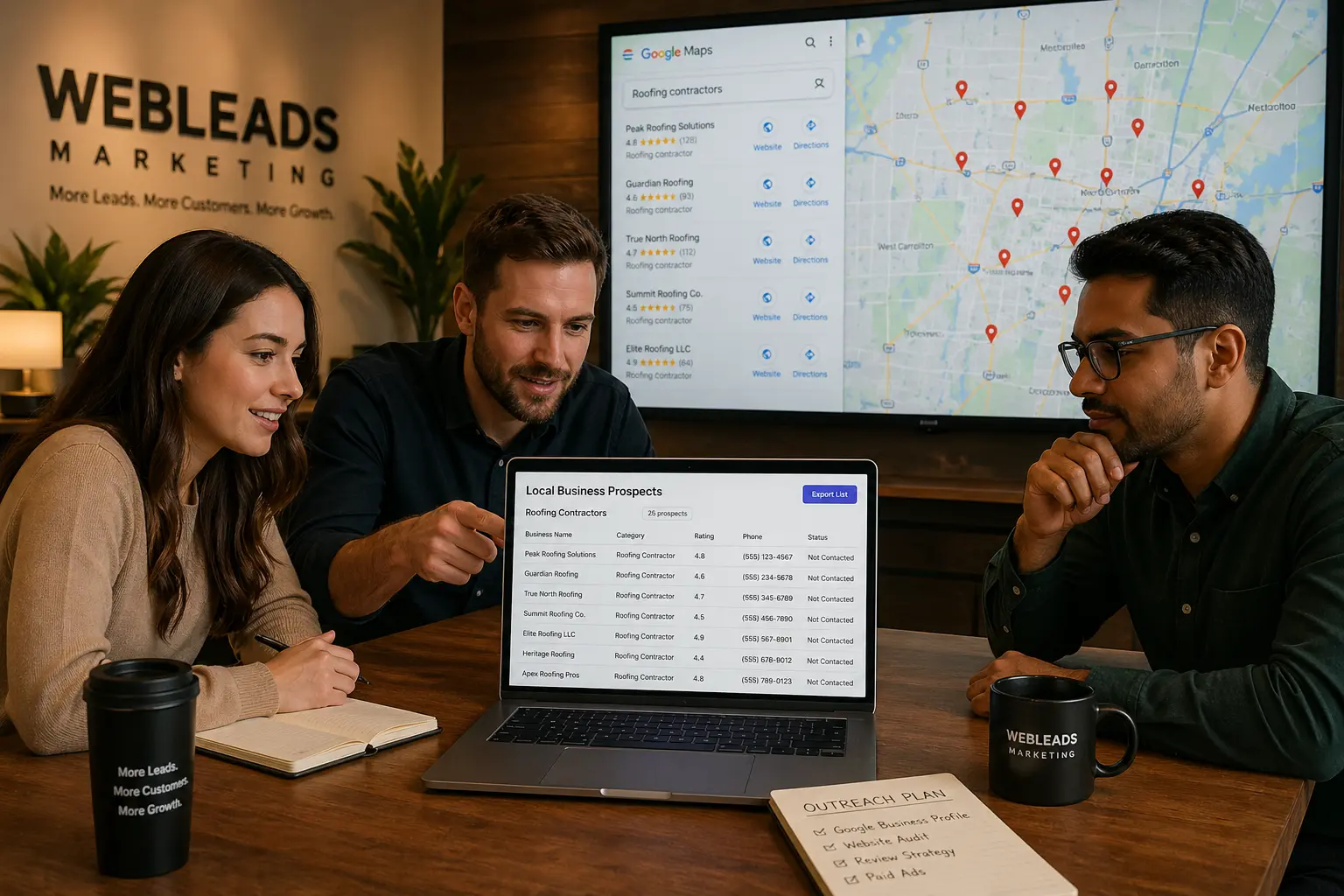
Tools like WebLeads, D7 Lead Finder, and Outscraper pull business data from Google Maps in bulk. You specify the business type and location, and you get a spreadsheet of matching businesses with contact info. (For a broader comparison of how these fit into a prospecting workflow, see our B2B lead generation tools breakdown.)
The key difference between these tools is what data they return and how fresh it is.
WebLeads pulls live data from Google Maps on every search. Each result includes the business name, address, phone number, website, Google rating, number of reviews, and social profiles. From any result with a website, you can run a people enrichment to find the owner name, role, and a verified email address.
D7 Lead Finder is a popular option but uses cached data. The business info is usually accurate but the contact emails are often outdated. Good for volume, weaker on data freshness.
Outscraper is API-first and pay per use. Accurate Maps data, but email enrichment is a separate paid add-on and requires more setup. Better for developers than for agency owners doing outreach manually.
For a marketing agency doing consistent outreach, a tool that returns fresh data with decision maker emails in one workflow saves the most time.
What Data to Collect for Each Prospect
A good prospect record includes:
- Business name and address
- Phone number
- Website URL
- Google rating and review count (helps prioritize)
- Owner name and role
- Owner's direct email (verified, not "info@")
The Google rating and review count are useful for prioritization. A restaurant with 3.8 stars and 200 reviews has room for reputation management work. A law firm with 4.9 stars and 12 reviews is probably not spending on marketing yet.
Need more agency leads?
Find local businesses by niche, get decision maker emails. Fresh data every time.
Try WebLeads freeTrial · No sales call · Cancel anytime
Step 3: Find the Decision Maker's Email
The hardest part of agency prospecting is not finding businesses. It's finding the person who actually makes the call.
For most local businesses, that person is the owner, a partner, or a general manager. They are usually not on LinkedIn. Their email is not in any standard business database. The "info@" address on the website goes to a receptionist or an inbox nobody checks.
How to Find Owner Emails
There are three approaches:
Pattern guessing + SMTP verification: Take the domain. Try common patterns (firstname@, first.last@, firstname.lastname@). Run each through an SMTP check to see which one bounces and which one resolves. This is the method WebLeads uses, and it returns verified direct emails rather than guesses. Our email finder tools guide covers the full mechanics if you want the deep version.
Website scraping: Pull the contact page, about page, and footer for email addresses. Often surfaces "info@" or team emails, but occasionally finds an owner email directly.
LinkedIn: Works for some business categories (agencies, tech companies, professional services) but fails for most local businesses. A plumber, salon owner, or gym owner is unlikely to be on LinkedIn with a professional profile.
The SMTP verification approach produces the cleanest list because you know the email exists before you send to it. This matters for cold email campaigns: a bounce rate above 5% will damage your sender reputation and eventually land your domain in the spam folder.
What "Verified" Actually Means
An SMTP-verified email means a server check confirmed the address exists on that domain. It doesn't guarantee the email is monitored by a human. But it eliminates the majority of invalid addresses.
For cold outreach, starting with a verified list typically produces bounce rates under 3%, compared to 15% to 20% for unverified lists pulled from directories.
Step 4: Write an Outreach Email That Gets Replies
Most cold emails fail for the same reasons. They open with "I wanted to reach out about your marketing." They spend three paragraphs on the agency's credentials. They close with a calendar link and a vague ask.
The person reading it has thirty seconds of attention to give you. Spend those thirty seconds on them, not on yourself.
What Works
One sentence on why you picked them specifically. Not generic. "I noticed your Google Business Profile has 47 reviews and a 4.2 rating" is more compelling than "I work with businesses like yours." It signals that you looked.
One sentence on the specific problem. "Most gyms in [city] aren't showing up for searches like 'gym near me' because their Google Business Profiles aren't optimized." This tells them something useful even if they don't reply.
One very short ask. Not "let's schedule a 30-minute strategy call." A yes/no question: "Would it be worth a quick email exchange to see if this applies to your situation?"
Total length: 60 to 100 words. Anything longer gets skimmed and deleted.
Segmenting by Business Type
A single template sent to plumbers, restaurants, gyms, and law firms will feel generic to all of them.
Segment your list. Write a template for each vertical. Change the problem statement and the example. The rest of the email stays the same.
Five targeted templates will outperform one generic template sent to five times as many prospects.
Follow-Up Cadence
Most replies come from the second or third email, not the first. A simple cadence:
- Day 1: Initial email (60-100 words)
- Day 4: Short follow-up (30-40 words, replies to original thread)
- Day 10: Breakup email ("Closing the loop on this.")
Three emails over ten days. Then stop. You're not trying to wear them down. You're showing up in their inbox at three different moments when they might be thinking about marketing.
Step 5: Prioritize and Work the List
A list of 500 prospects is not a pipeline. A pipeline is a list of prospects actively moving through stages.
Before any outreach:
Score by fit. Businesses with websites that clearly need work, active Google Business Profiles, and positive reviews but fewer than 50 are good candidates. They're established but have room to grow.
Score by urgency. Seasonal businesses approaching their busy season, businesses that just opened a new location, and businesses running ads that lead to poor landing pages have more reason to act now.
Score by data quality. Prospects where you have a verified direct email for the owner are higher priority than prospects where you only have a generic contact address.
Work the top tier first. If you have a list of 500, your first 50 sends should be the 50 best fits.
Tools That Support the Workflow
Here's a basic tech stack for agency prospecting:
| Tool | What it does | Cost |
|---|---|---|
| WebLeads | Pulls business data from Google Maps, finds owner emails | From $24/mo |
| Instantly or Smartlead | Cold email sequencing | From $30/mo |
| Clay | Enrichment and list building from multiple sources | From $149/mo |
| Google Sheets | Track prospect status | Free |
For a more complete rundown of prospecting tools and how they compare, see sales prospecting tools.
You don't need all of these. Many agencies run with just a prospecting tool, a cold email platform, and a spreadsheet.
The key is separating the list-building step from the outreach step. Build and clean the list before you write a single email. Sending to a messy list wastes good copy on bad contacts.
Common Mistakes That Kill Agency Prospecting
Pitching services before showing understanding. The first email should demonstrate that you know something about their business or industry. If it reads like you copy-pasted the same pitch to every business in your city, it will be ignored.
Using the wrong contact. Emailing a restaurant manager about SEO services when the owner makes marketing decisions means your message never gets to the decision maker. Get the owner's email.
Not following up. Most business owners are busy. They saw your first email, meant to reply, and forgot. A second email at the right time catches them when they have a minute.
Too much volume, not enough quality. Sending 2,000 emails a week with a 2% reply rate produces 40 conversations. Sending 200 emails to well-targeted prospects with a 15% reply rate produces 30 conversations from a tenth of the effort.
No geographic focus. Prospects in your city or region know they're getting an email from someone nearby. That matters. "I work with businesses in Chicago" lands differently than a blast that's clearly going to businesses in forty cities.
How Marketing Agencies Use WebLeads for Prospecting
The workflow most agencies use:
- Open WebLeads, type the business type (e.g., "gym") and city
- Get a list of every matching business in that area with contact data
- Filter by review count or rating to prioritize
- Run people enrichments on the top results to get owner names and verified emails
- Export to CSV
- Import into cold email tool
- Write a targeted template for that niche and start the sequence
A typical search returns 200 to 800 businesses depending on the market. No manual data entry, no spreadsheet grind. You define the search and WebLeads does the rest.
The fresh data matters because you're not working from a database that was compiled months ago. When someone opens a new business or a business updates its contact information, WebLeads picks it up the next time someone searches that location.
Need more agency leads?
Find local businesses by niche, get decision maker emails. Fresh data every time.
Try WebLeads freeTrial · No sales call · Cancel anytime
FAQ: Marketing Agency Leads
How many cold emails should a marketing agency send per day?
Start with 30 to 50 per day while you're warming up a new email domain. After 60 days of clean sending history, you can scale to 100 to 200 per day per domain. Many agencies run multiple domains to increase volume while keeping each domain's reputation clean.
What's a realistic reply rate for cold outreach to local businesses?
A well-targeted, personalized campaign to local businesses typically sees 8% to 15% reply rates. Generic blasts run 1% to 3%. The difference comes from targeting quality and personalization in the opening line, not the tool you use to send.
Should I use email or phone for agency prospecting?
Email first. It's less intrusive, easier to scale, and lets the prospect reply on their schedule. Use phone as a follow-up after someone has already engaged with your email sequence. Cold calling with no prior contact is harder to scale and produces higher rejection rates.
How do I find the owner's email, not the info@ address?
Use a tool that runs SMTP verification against likely email patterns for the domain. WebLeads does this with its people enrichment feature. For manual verification, tools like NeverBounce or ZeroBounce can check whether an email address exists before you send to it.
How often should I refresh my prospect list?
For active outreach campaigns, refresh every 30 to 60 days. Businesses close, owners change, and contact info goes stale. A fresh list each month also means you're targeting businesses that recently opened or changed ownership, which can be high-intent prospects.
What industries are the best leads for marketing agencies?
Industries where marketing has a clear, measurable ROI tend to be better clients: home services (HVAC, plumbing, roofing), medical practices, law firms, gyms and fitness studios, restaurants and bars, and real estate agents. These businesses have recurring revenue, reasonable budgets, and a need for consistent client acquisition.
Want to see how WebLeads compares to manual research and ZoomInfo for agency prospecting? See the full breakdown on the marketing agency leads page.