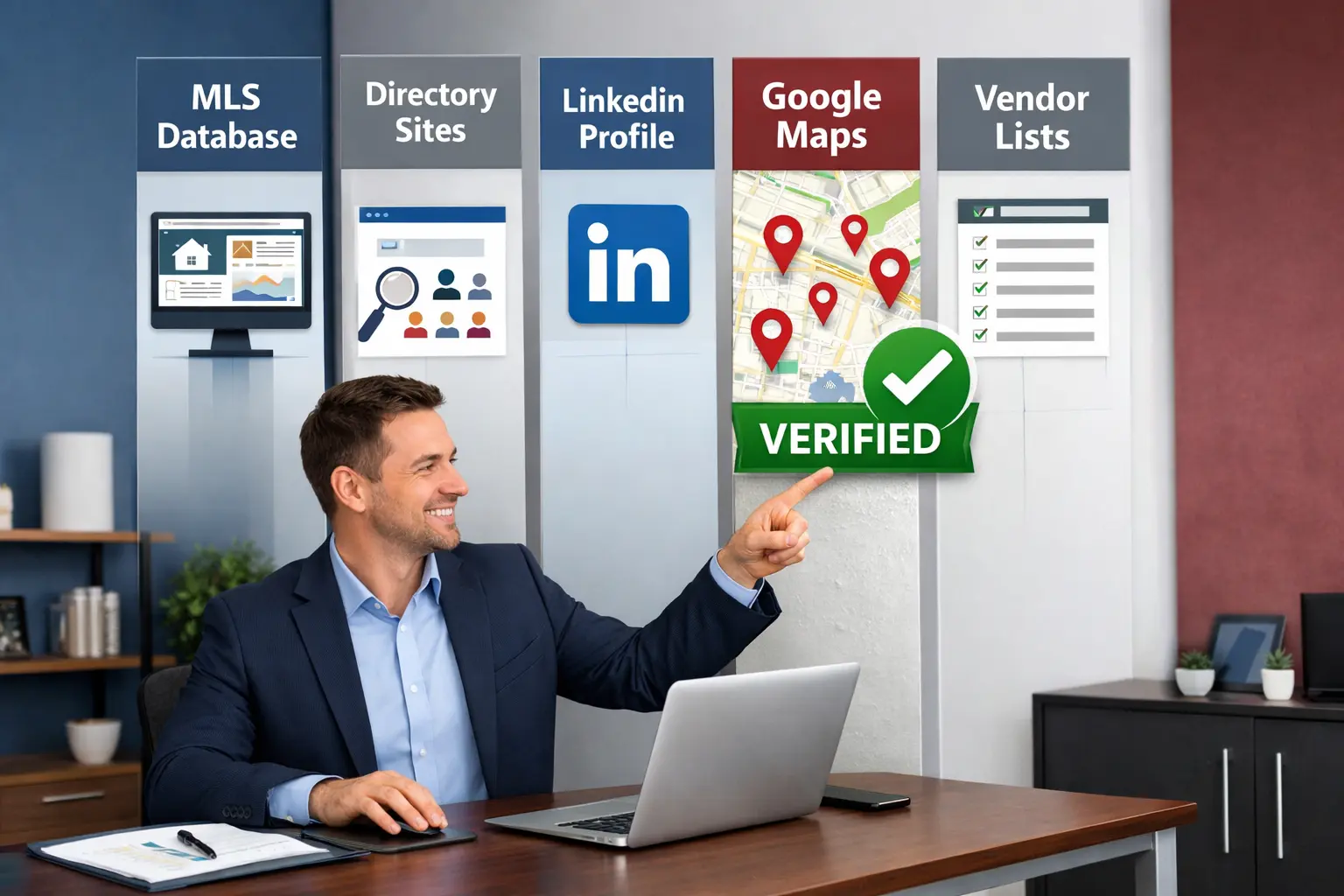
How to Build a Real Estate Agent Email List: 5 Proven Methods
How to Build a Real Estate Agent Email List: 5 Proven Methods
Real estate is a relationship business. But relationships start with contact information.
Whether you're a broker building a prospect list for cold outreach, an agent looking to expand your network, or a team hunting for decision makers at competing firms, a solid email list is your foundation. The challenge: traditional lists are expensive, outdated, and time-consuming to build manually.
This guide walks you through 5 real methods to build a real estate agent email list. Each has trade-offs. By the end, you'll know which fits your workflow and timeline.
Why You Need a Real Estate Agent Email List
Before we get into methods, let's be clear on why this matters.
A real estate agent email list serves multiple purposes:
- Cold outreach: Brokers reaching agents to recruit them
- Partnership development: Agents finding other agents in complementary markets to collaborate with
- Market research: Understanding who the active players are in a geographic area
- Deal sourcing: Teams targeting high-performing agents who might refer deals
- Event invitations: Brokers hosting training or networking events
The problem: agent contact information is scattered across multiple sources, often outdated, and hard to verify. Manual research takes weeks. Old databases become stale within months.
What you need is current, verified contact information. That means email addresses that work right now, not 6 months ago.
Method 1: MLS Listings and Public Records
The most accessible source is your local Multiple Listing Service (MLS).
Every real estate agent is listed on the MLS. Many MLS systems allow you to export agent contacts directly. Your MLS subscription typically gives you access to a directory with agent names, phone numbers, and sometimes email addresses.
How to do it:
- Log into your MLS portal
- Look for an "Agent Directory" or "Broker Directory" section
- Filter by geography, brokerage, or activity level if available
- Export the list (most MLS systems allow CSV export)
- Cross reference with your existing contacts to avoid duplicates
Pros:
- Free or included with your MLS subscription
- Legally accessible (you're a licensed agent or broker)
- Direct from the source
- Usually includes phone numbers too
Cons:
- Email addresses often incomplete or outdated
- Manual export process is tedious for large areas
- No way to verify which emails actually work
- Limited filtering options (some MLS systems are dated)
- Only covers active agents, not brokers or managers
Time estimate: 30 minutes to 2 hours depending on how many agents you need
Best for: Agents looking for a quick list within your local market
Method 2: Real Estate Directories (Zillow, Realtor.com, etc.)
Public real estate directories list agents and their contact information online. The big ones are Zillow and Realtor.com, but regional sites exist too.
How to do it:
- Go to Zillow.com or Realtor.com
- Search for agents in your target area or market
- Click individual agent profiles to collect email addresses
- Manually compile into a spreadsheet, or use a browser extension to scrape the data
Many agents have public Realtor.com profiles with email addresses listed. Same with Zillow. If you need a larger list, you can hire a freelancer on Upwork to do the manual collection, or use a scraping tool to automate it.
Pros:
- Free to access
- Agents voluntarily listed with current contact info
- Public information
- Can filter by specialty, experience, or reviews
Cons:
- Manual collection is slow (if done yourself)
- Not all agents list email addresses publicly
- Requires careful data cleaning (duplicate emails, old records)
- Scraping violates some sites' terms of service
- Very labor intensive for 100+ agents
Time estimate: 1-2 hours for 50 agents (manual), or days if you hire someone
Best for: Smaller lists (under 50 agents) or specific niches (e.g., luxury agents)
Method 3: Social Scraping (LinkedIn, Facebook Groups)
LinkedIn is where agents congregate. Many real estate agents list their professional email on LinkedIn.
How to do it:
- Search LinkedIn for agents in your target area or market
- Filter by title ("Real Estate Agent", "Broker", "Realtor")
- Check their profiles for email addresses (many agents list them)
- Use LinkedIn's export feature (LinkedIn Sales Navigator) to get larger lists
- Cross reference with Facebook real estate groups to fill gaps
Some real estate Facebook groups have agent directories. Agents often post their details in these communities.
Pros:
- Agents actively maintain their LinkedIn profiles
- Often includes working professional emails
- Social proof (reviews, recommendations visible)
- You can see their experience level and market focus
Cons:
- LinkedIn restricts scraping
- Not all agents are on LinkedIn
- Sales Navigator requires a paid subscription
- Facebook groups are unstructured and hard to systematize
- Email collection from social profiles requires manual work
Time estimate: 2-4 hours for a medium list (200-400 agents)
Best for: Higher quality prospects (agents who actively maintain their professional presence)
Method 4: Manual Prospecting Plus Tools (Google Maps, Email Finder)
Here's a more automated approach: use Google Maps to find brokerages and agent offices, then use email finder tools to get the agents' emails.
How to do it:
- Open Google Maps and search "real estate office" or "real estate agent" in your target area
- Visit each office Google Maps profile
- Note the office address and phone number
- Visit the office's website (usually linked on Google Maps)
- Use an email finder tool like Hunter, Clearbit, or RocketReach to find common email patterns
- Compile the list
This method combines manual research with automation. You're finding the offices, then using tools to extract agent emails from their websites.
Pros:
- Finds agents who might not be on MLS or Zillow
- More complete contact info (you get office address too)
- Faster than pure manual scraping
- Tools verify emails work before adding them to your list
Cons:
- Email finder tools have accuracy limitations (60-80%)
- Not all office websites list individual agent emails
- Requires multiple tool subscriptions
- Still semi-manual (lots of clicking)
Time estimate: 4-8 hours for a list of 200-300 agents (including tool subscription costs)
Find agents instantly with verified emails
Search Google Maps by location, get decision maker names and verified emails. Fresh data from Maps, not stale lists.
Try WebLeads freeTrial · No sales call · Cancel anytime
Cost: $50-200 depending on which email finder tool you choose
Best for: Teams willing to invest in tools for better data accuracy
Method 5: Ready-Made List Vendors
The fastest way: buy a pre-compiled list from a list vendor. Companies like SalesGenie, BookYourData, eCampaignPros, and others specialize in selling pre-built contact lists.
How to do it:
- Go to SalesGenie.com, BookYourData.com, or similar
- Search for "real estate agents" and filter by geography
- Choose your targeting criteria (market, experience, brokerage)
- Download the list as CSV or Excel
Pros:
- Fastest option (minutes to hours vs. days)
- Pre-compiled and validated
- Large coverage (national lists available)
- Often includes additional data (brokerage, market specialty, recent deals)
Cons:
- Most expensive option ($200-1000+ depending on list size)
- Email addresses can be outdated (data gets stale)
- No way to verify how old the data is
- Some tools use aggressive scraping methods (legal concerns)
- High unsubscribe rates on cold email campaigns
Time estimate: 30 minutes to find and download
Cost: $200-$1000 depending on list size and provider
Best for: Time-pressed teams who have budget, or for large-scale cold outreach campaigns
How to Verify and Maintain Your List
Once you've built your list, verify quality before you use it.
Step 1: Deduplicate
Remove duplicate emails and entries. If you've compiled from multiple sources, you'll have overlaps. Use a spreadsheet function to identify duplicates, or use a tool like Clearbit Reveal.
Step 2: Verify Email Addresses
Use an email verification tool to check which addresses actually work. Services like ZeroBounce, NeverBounce, or Hunter all offer batch email verification.
Why does this matter? Stale emails won't deliver. You'll waste time on undeliverable addresses and damage your sender reputation. A verification tool will flag addresses that:
- Don't exist
- Have been inactive for months
- Bounce automatically
Cost is usually per 1000 addresses verified ($1-10 depending on tool accuracy).
Step 3: Remove Inactive Agents
Real estate is churn heavy. Agents leave the industry, change brokerages, or go silent. Before sending cold email, filter your list to remove agents who haven't posted listings or activity in 6+ months.
Step 4: Monitor Bounce Rates
Once you start emailing, monitor your bounce rate. If more than 10-15% of emails bounce, your list is too stale. Refresh it.
The Trade-Offs: Speed vs. Cost vs. Quality
| Method | Speed | Cost | Quality | Best For |
|---|---|---|---|---|
| MLS Export | Medium (30 min-2 hrs) | Free | Medium (outdated emails) | Quick local lists |
| Directory Scraping | Slow (1-2 hrs) | Free | Medium (manual collection) | Small lists, niche markets |
| LinkedIn + Social | Slow (2-4 hrs) | Medium ($50-200 for Sales Nav) | Good (active agents) | Higher intent prospects |
| Google Maps + Email Tools | Slow-Medium (4-8 hrs) | Medium-High ($50-200) | Good (verified emails) | Broader reach, better accuracy |
| List Vendors | Fast (30 min) | High ($200-1000) | Varies (data age varies) | Large scale, time-constrained |
None of these methods is perfect. Each trades off speed, cost, and quality differently.
The manual methods (MLS, directories, social) are free but slow and produce outdated data. The automated tools (email finders, Maps) are faster but require subscriptions. The list vendors are fastest but most expensive and least controllable.
A Faster Alternative: Real-Time Agent Discovery
There's another approach that most teams overlook: finding agents in real time as you need them, rather than building a static list.
If you're doing cold outreach to brokerages or agents in a specific area, you don't necessarily need a pre-built list of every agent. You can search Google Maps for "real estate offices" in your target market, find the decision makers (brokers, office managers, top agents), and verify their emails on demand.
This approach means:
- No list maintenance (no stale data)
- No upfront cost for list vendors
- You target exactly who you want, exactly when you want them
- You verify emails before reaching out
If this sounds like it fits your workflow, check out WebLeads. It finds real estate offices and brokerages on Google Maps, enriches them with decision maker information (names, titles, verified emails), and gives you results in minutes instead of days.
Broader context: local lead generation complete guide, how to find email addresses for business owners, and broker-focused positioning on real estate agent leads.
The benefit over static lists: your data is always current because you're searching in real time. No stale emails. No bounces from agents who left the industry last month.
Next Steps
If you decide to build a list yourself:
- Start with MLS if you're a licensed agent. It's free and fast.
- Supplement with directories if you need agents outside your local market
- Verify emails before using the list. Don't skip this step.
- Monitor bounce rates as you email. Adjust your list refresh frequency based on performance.
If you decide the manual approach isn't worth your time, buy a list from a reputable vendor (SalesGenie, BookYourData) and verify it before use.
And if you're doing ongoing outreach to multiple brokerages or markets, consider a real time discovery approach instead of a static list. Your data will be fresher, and you'll waste less time maintaining outdated contacts.
No matter which method you choose, remember: an outdated email list is worse than no list. Verification is not optional.
Find agents instantly with verified emails
Search Google Maps by location, get decision maker names and verified emails. Fresh data from Maps, not stale lists.
Try WebLeads freeTrial · No sales call · Cancel anytime